
An online ordering system for restaurants can change the way a venue receives orders before staff even touch the POS. Instead of pushing every customer through the same counter queue or relying entirely on a marketplace, a direct system can let customers browse a digital menu, order by link or QR code and choose how they receive the order.
GetZinga’s ordering product is designed for direct sales through a web experience, with QR or shareable links, options such as dine-in and pickup, and integration with Zinga POS and payments. For restaurants, the important question is how those pieces affect service flow, menu control and repeat business.
Direct ordering is most effective when customers can find the menu quickly, understand fulfilment options and complete an order without unnecessary account creation. For staff, the goal is that online orders appear in a predictable workflow rather than becoming a second inbox that must be watched manually.
Related searches such as restaurant online ordering, direct ordering system and QR code ordering often reflect the same underlying decision. People are not only looking for online ordering system for restaurants; they are trying to understand cost, workflow, suitability and what they need to do next. That is why this guide also covers digital menu and restaurant POS integration where they are relevant, without forcing every variation into the copy.
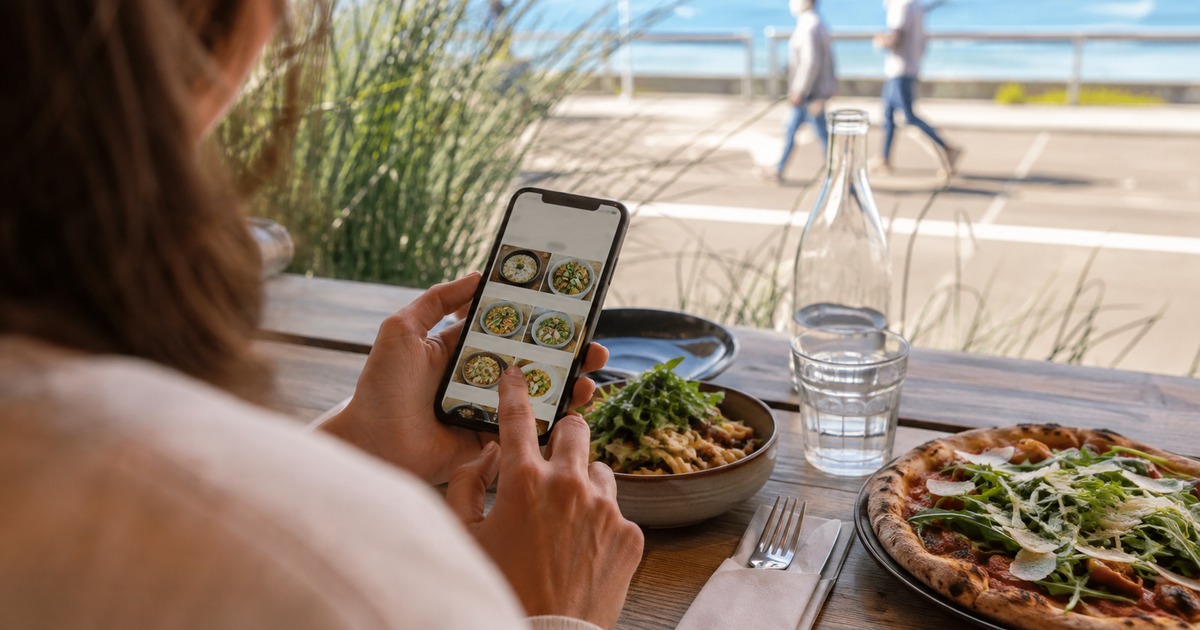
The Problem Most People Are Trying to Solve
Direct ordering gives a venue more control over the customer journey, menu information and order flow. The best result comes when the ordering channel connects cleanly with the way staff already prepare, fulfil and report on orders.
The primary keyword online ordering system for restaurants often looks like a product search, but the better way to evaluate it is to start with the outcome. Ask what needs to become faster, clearer, cheaper or easier to manage. That prevents a feature list from taking over the decision before the real requirement is understood.
Direct ordering is most effective when customers can find the menu quickly, understand fulfilment options and complete an order without unnecessary account creation. For staff, the goal is that online orders appear in a predictable workflow rather than becoming a second inbox that must be watched manually.
What a Good Setup Should Remove
A useful workflow should be easy to explain to a first-time user and predictable enough to repeat. The core steps are:
- Create the menu or service list
- Set prices, availability and ordering preferences
- Share a link or QR code
- Receive and manage orders
- Send confirmations or status updates and reconcile sales
The exact screens or controls can differ by provider, but the principle stays the same: each step should reduce uncertainty. If staff or customers regularly need workarounds, screenshots, handwritten notes or repeated support, the workflow deserves another look.
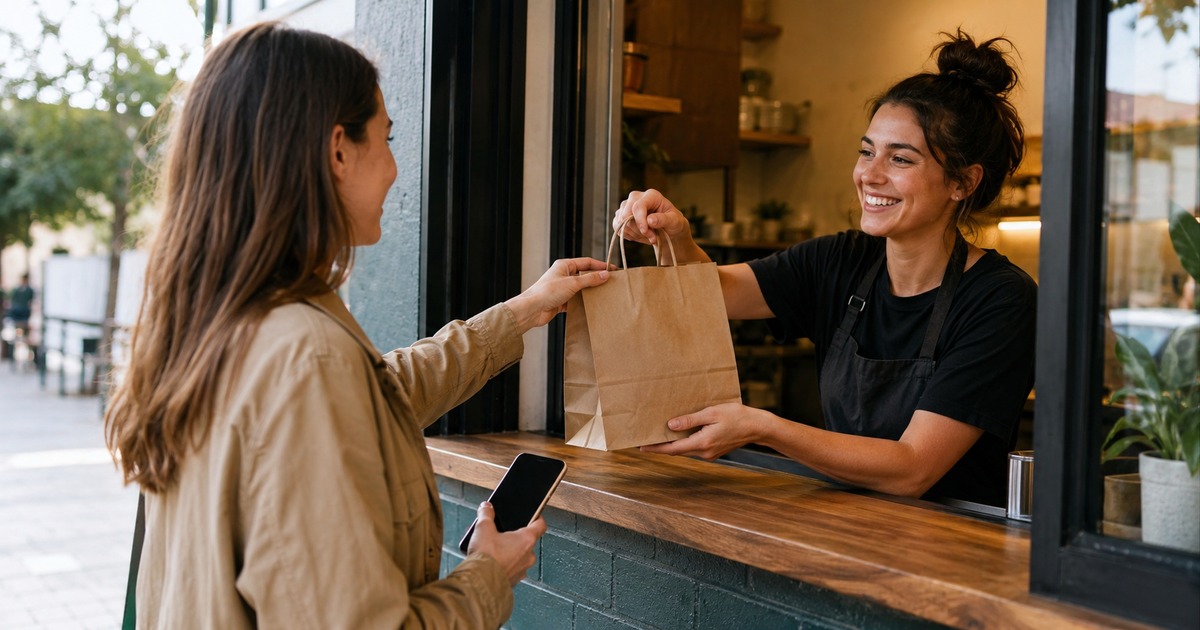
Build the Right Workflow
When comparing options, separate the decision into practical layers rather than using one headline number. Review setup effort, ongoing cost, usability, support, reporting or tracking, and how the system handles exceptions. A feature that looks impressive in a demo has little value if it does not help with the situations that happen every week.
- Clarity: Can a user understand the next step without guessing?
- Total cost: Are fees, rates, subscriptions or processing costs visible enough to compare?
- Control: Can you review important details before confirming a transaction or action?
- Repeat use: Does the setup become easier once you have used it before?
- Support: Is there a clear path to help when something does not go to plan?
For this topic, two useful secondary signals are restaurant online ordering and direct ordering system. They reveal whether the searcher cares most about price, speed, workflow or suitability.
What Can Go Wrong
For Australian cafés, pubs and restaurants, direct ordering can be especially useful at busy meal periods, for takeaway, at-table ordering or when a local customer discovers the venue from social media or a local listing.
Local SEO strength comes from being specific about who the service is for and the context in which it is used. Instead of repeating ‘Australia’ in every sentence, useful local relevance comes from discussing Australian payment habits, local small-business workflows, Australia-to-Thailand remittance needs, or the way Australian travellers prepare for overseas connectivity—depending on the topic.
This also helps avoid thin location pages. A page earns relevance when the examples, terminology and decision factors match the audience, not when a suburb or country name is inserted mechanically.
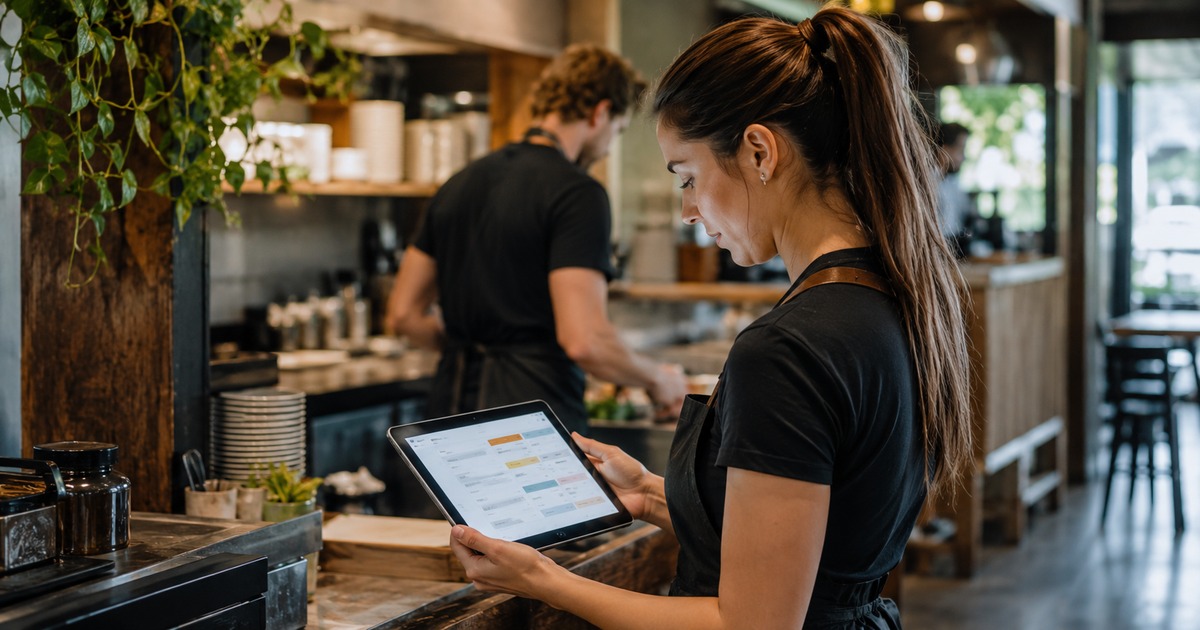
Local Australian Context
Most problems appear because a decision was made on one attractive feature while the full workflow was ignored. Common examples include:
- Launching with an outdated menu
- Using confusing modifier options
- Failing to test mobile checkout
- Letting online orders bypass the kitchen workflow
- Promoting the system without clear pickup or table instructions
The fix is usually straightforward: slow the decision down long enough to map the real process, identify the few details that affect outcomes, and test the system with a realistic transaction or busy-period scenario before relying on it every day.
Signs You Are Ready to Change
Use this checklist before committing:
- Define the main job the product or service must perform.
- Check the important secondary needs, including QR code ordering and digital menu.
- Confirm current pricing, fees, rates, plan limits or data allowance where relevant.
- Test the flow from a first-time user’s point of view.
- Check what happens when details change, a transaction fails or a booking/order needs editing.
- Confirm support options and keep key confirmations or records.
- Review whether the setup can grow without forcing a complete replacement.
A checklist is useful because it turns a broad search into a decision you can verify. It also helps compare providers on the same criteria instead of reacting to whichever feature is presented most prominently.
GetZinga: Relevant Features to Review
GetZinga’s ordering page describes a web-based direct ordering setup with no customer app required, shareable links or QR codes, dine-in and pickup options, and integration with Zinga POS, payments and booking. Check the current pricing page for plan details.
For the current product details, use ZingaMenu Online Ordering. You can also review POS and Payment. If your situation is unusual or you need help before getting started, Pricing is the safer next step than relying on an old article or screenshot.
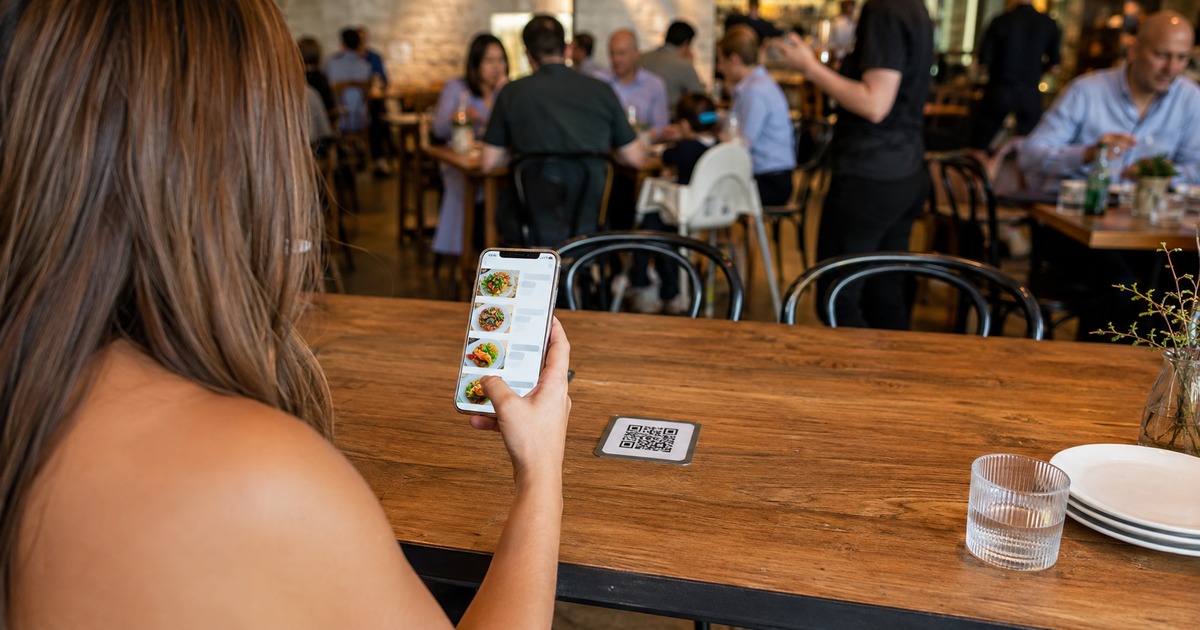
Direct Ordering Works Best When Operations Are Ready
A QR code can make ordering easier, but it cannot fix an unclear menu or an overloaded kitchen. Before launch, review item names, photos, modifiers, sold-out rules, preparation times and pickup instructions. Customers should know what happens after they pay and staff should know exactly where the order appears.
Direct ordering can also support local discovery. A venue can share its ordering link from its own website, social channels, printed material or local listing instead of asking a customer to search inside a third-party marketplace. That keeps the journey closer to the venue’s brand and can make repeat ordering simpler.
The strongest setup connects the front end with the POS and payment records. That reduces duplicate entry, helps reporting and gives staff one operational source of truth during busy periods.
Frequently Asked Questions
Do customers need to download an app to order?
GetZinga’s current ordering page describes a web-based experience where customers can scan or tap a link to order.
Can a direct ordering system support dine-in and pickup?
GetZinga lists dine-in and pickup among its ordering preferences; check the current plan for exact availability.
Why integrate online orders with POS?
Integration can reduce duplicate entry, improve order visibility and make reporting more consistent.
What should a restaurant test before launch?
Test the menu, modifiers, payment path, QR links, fulfilment options, confirmations and staff workflow on real phones.
Next Step
The best approach to online ordering system for restaurants is to make the decision around the real outcome rather than a headline feature. Check the workflow, total cost or value, practical fit and what happens after the first successful use.
If GetZinga matches your use case, start with ZingaMenu Online Ordering and verify the current details before committing. For business products, review live pricing and book a demo where appropriate; for app features, use the current app and support information. This keeps the article useful even as rates, plans and offers evolve.